Multi-Calculator

๐Ÿงฎ Multi Calculator App

๐Ÿ“ฑ ๐Ÿš€ Download Now on Play Store

Calculator Tools

Multi Calculator Features

Useful options designed for faster and smoother calculation work.

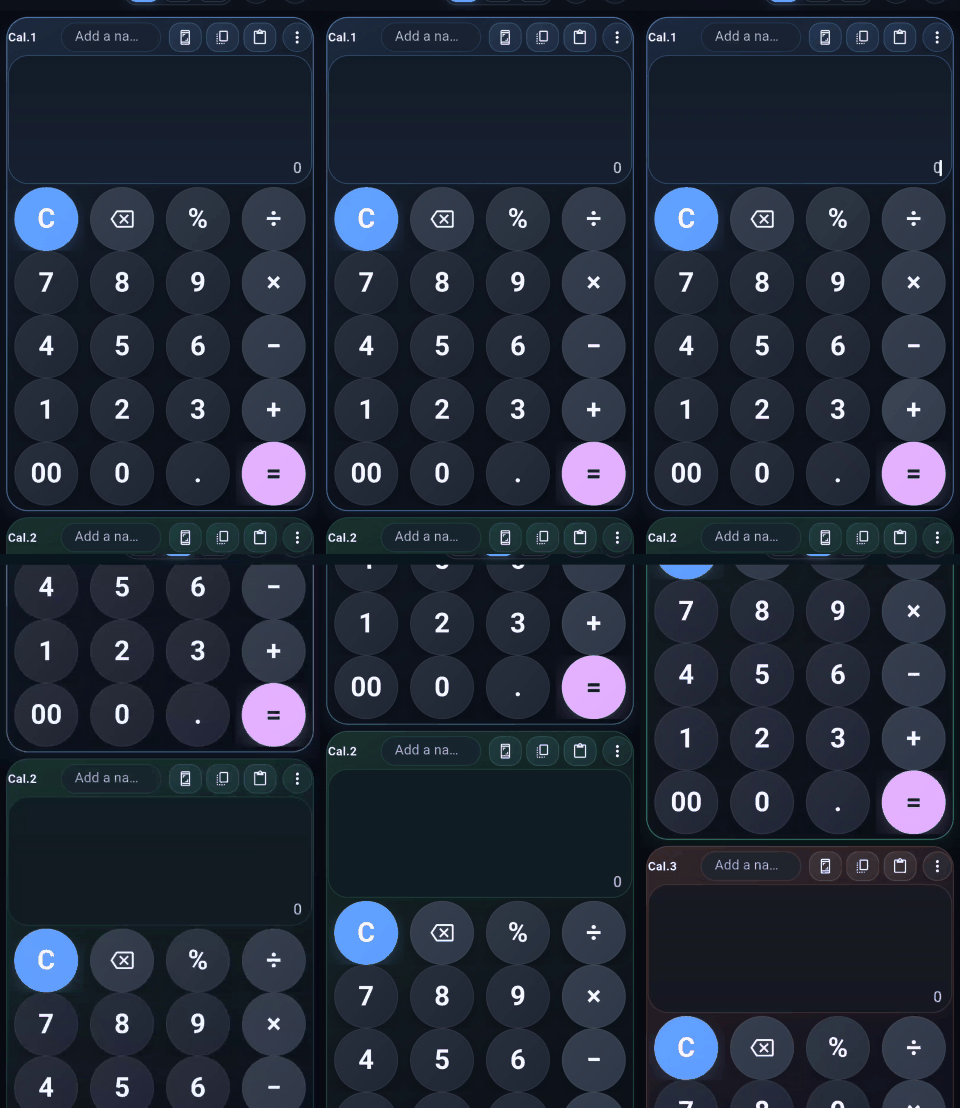
Three Calculators

Use multiple calculators in one smooth workflow.

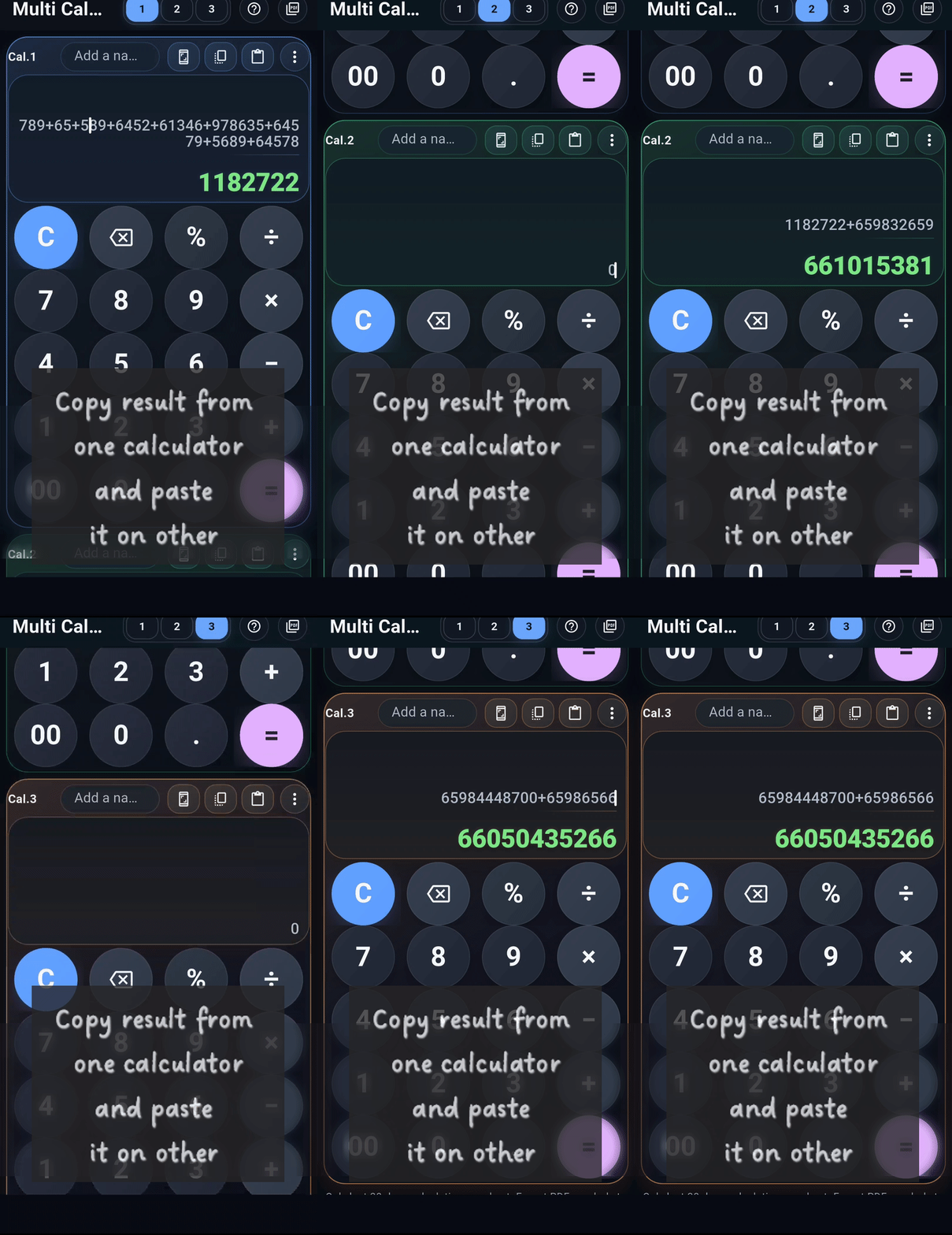
Copy & Paste

Copy results and use them across calculators easily.

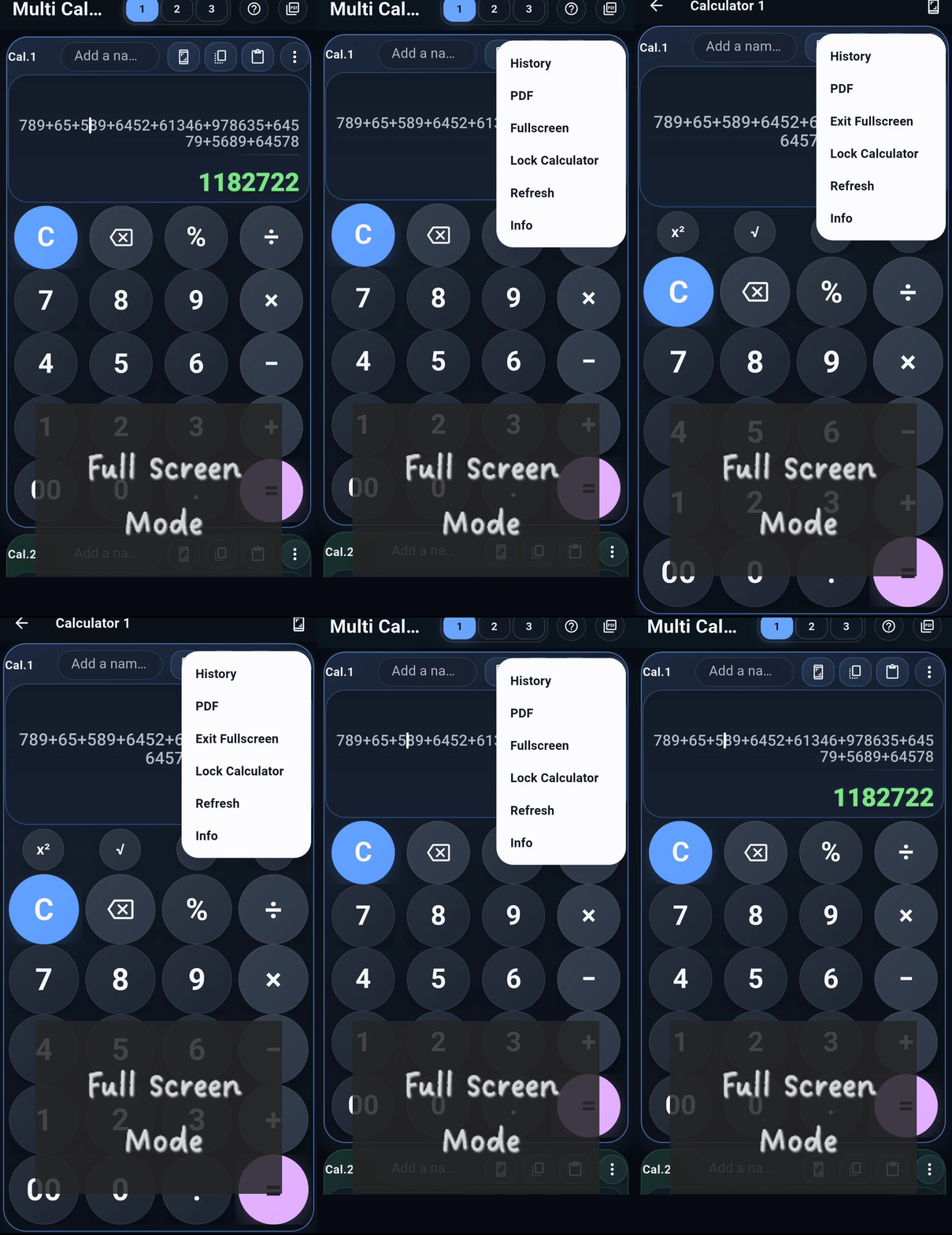
Fullscreen Mode

Work comfortably in a larger distraction-free view.

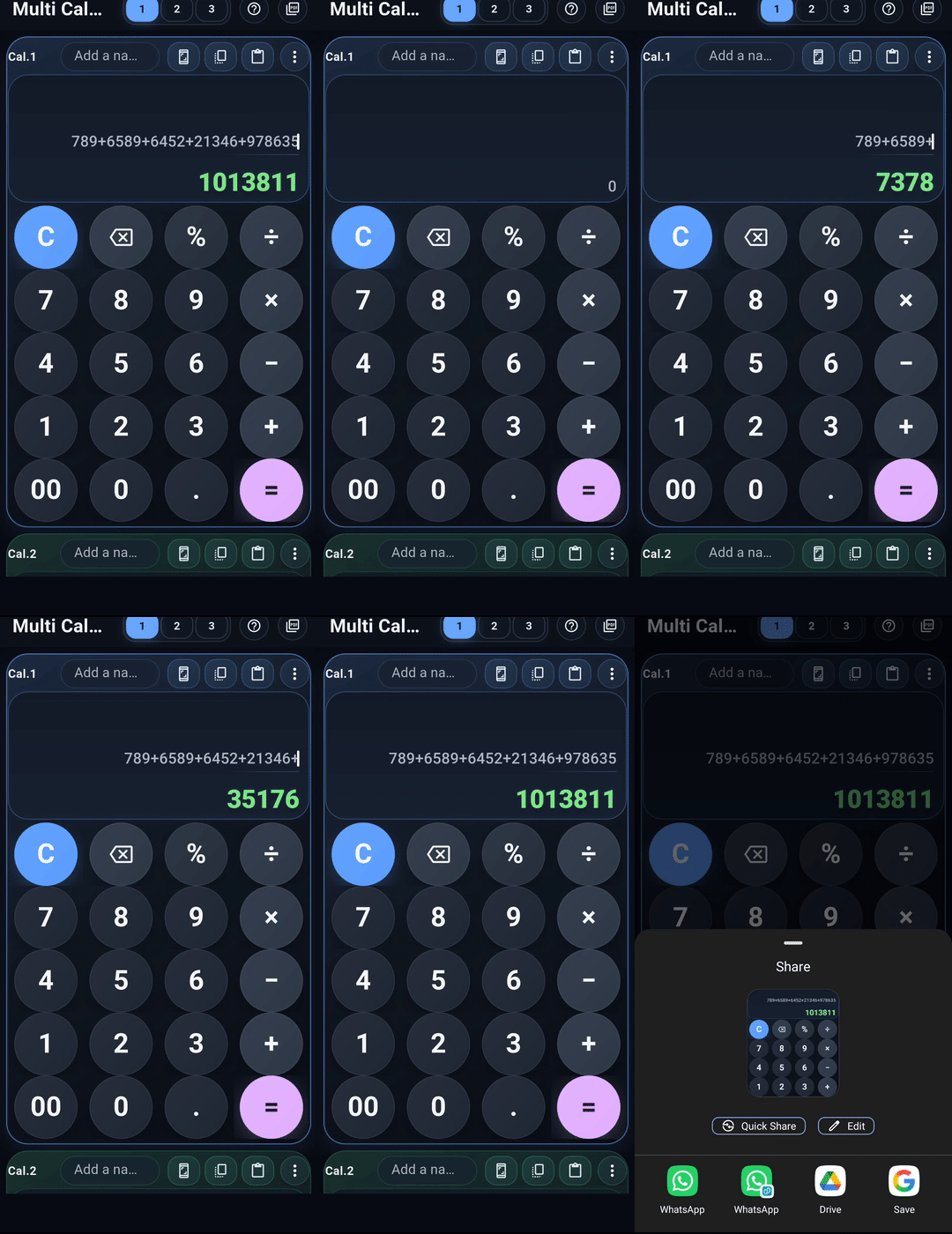
Screenshot Share

Capture and share results quickly.

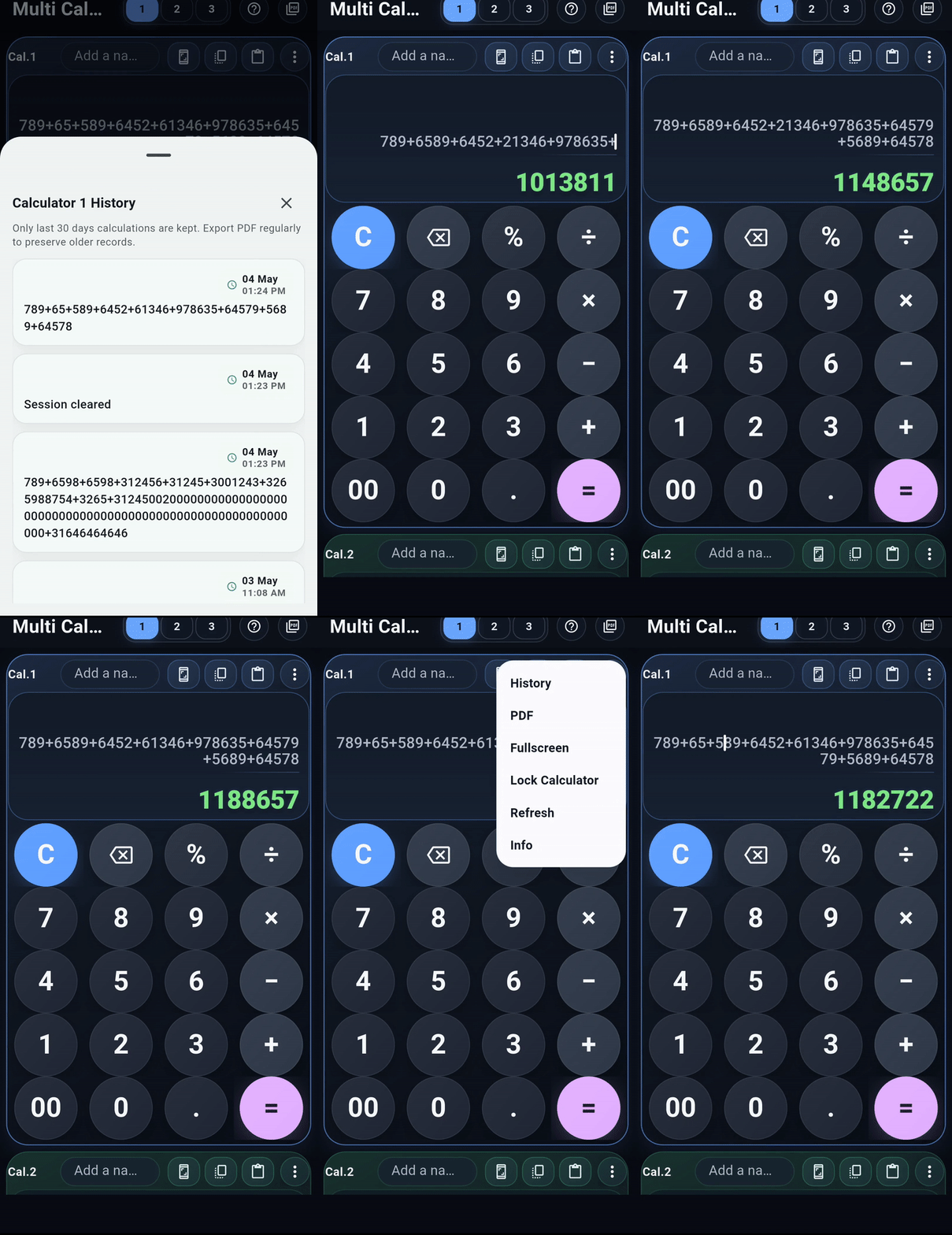
Calculation History

Review previous calculations whenever needed.

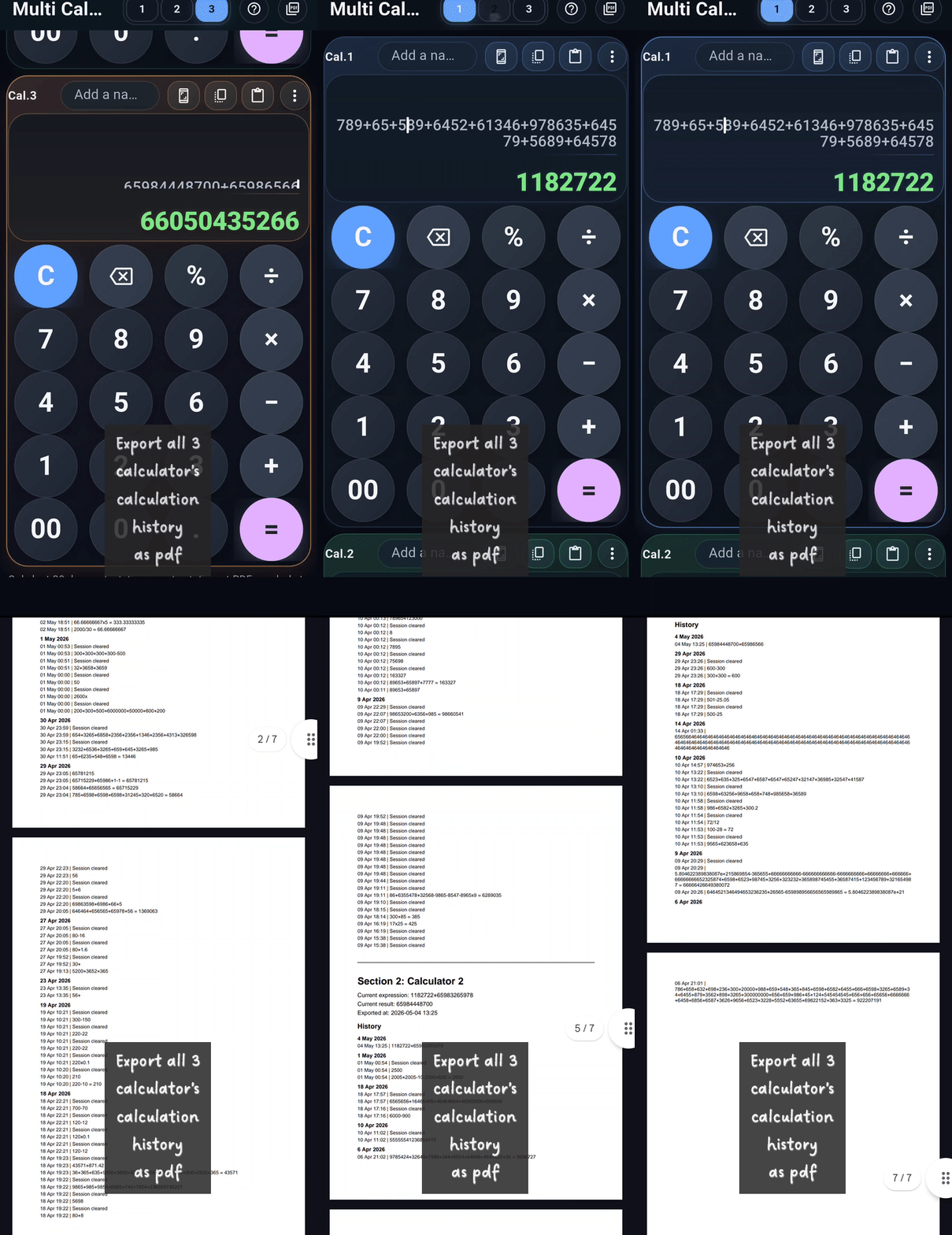
PDF Export

Export all calculators as PDF with a clean output.

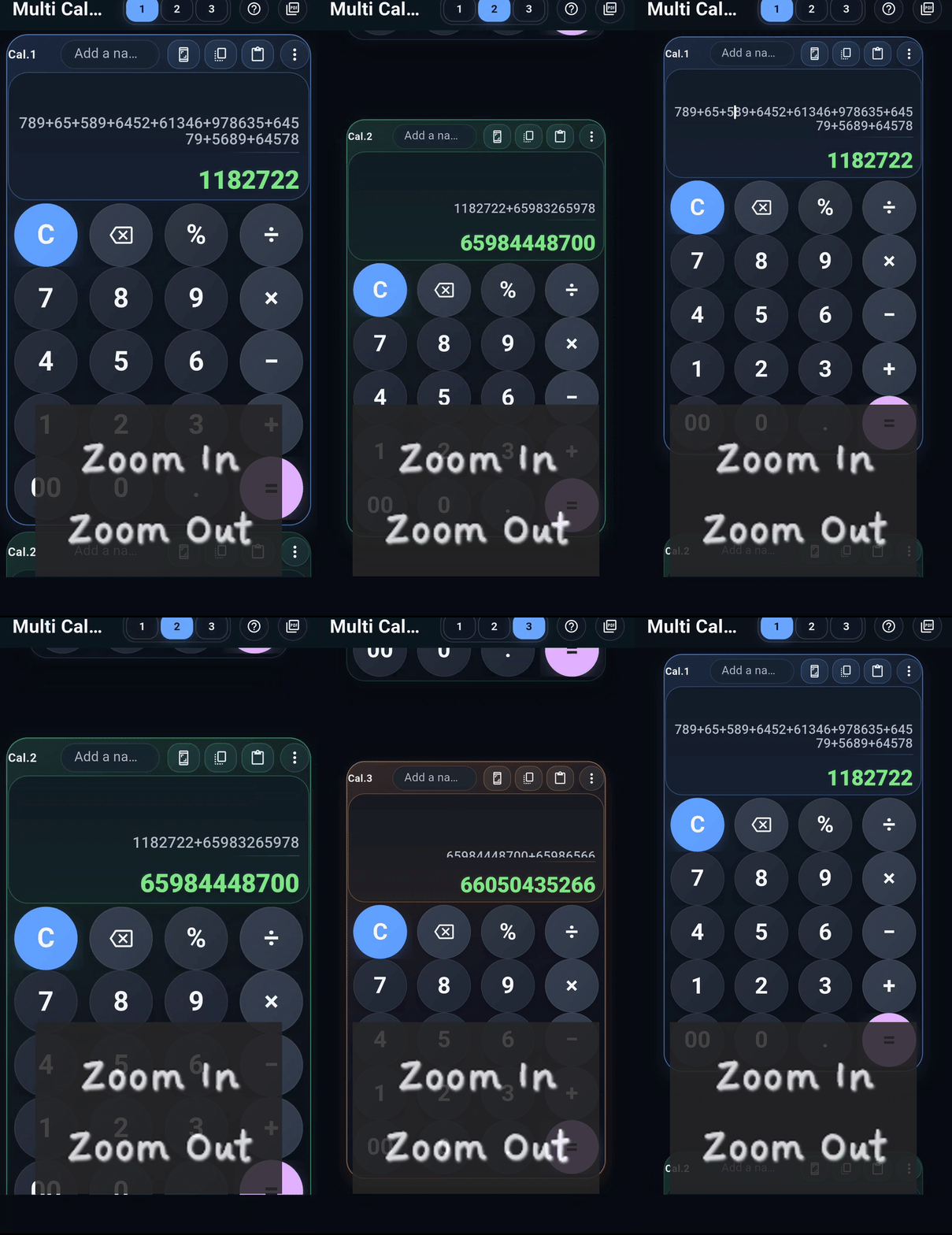
Zoom Control

Zoom in or out for better visibility.

๐Ÿงฎ Multi Calculator App

โšก Do More Calculations โ€” Faster & Smarter


๐Ÿ’ก About the App

Multi Calculator is a smart and powerful calculator app that lets you use three calculators at the same time.

No switching. No confusion. Just smooth and fast calculations.


๐Ÿ”ฅ Key Features

๐Ÿ”ข 3 Calculators in One Screen

Perform multiple calculations simultaneously and compare results easily.

How to use:
Tap 1, 2, or 3 at the top to switch between calculators.


โœ๏ธ Smart Editing

Edit any part of your calculation instantly. No need to start over.

How to use:
Tap anywhere in the expression โ†’ delete โ†’ type new value.


โšก Instant Results

Results update automatically as you type โ€” no extra steps needed.


๐Ÿ” Zoom In & Zoom Out

Adjust calculator size for better visibility on any screen.

How to use:
Use two fingers to pinch or spread on the calculator.


๐Ÿ“ธ Screenshot & Share

Quickly capture and share your calculations.

How to use:
Tap the screenshot icon on any calculator โ†’ share instantly.


๐Ÿ“‹ Copy & Paste

Easily move calculations between calculators.

How to use:
Tap Copy โ†’ switch calculator โ†’ tap Paste.


๐Ÿงพ History Tracking

All your calculations are saved for future reference.

How to use:
Tap โ‹ฎ (three dots) โ†’ select History.


๐Ÿ”ฒ Full Screen Mode

Focus on a single calculator in a larger view.

How to use:
Tap Fullscreen โ†’ tap again to exit.


๐Ÿ”’ Lock Calculator

Prevent accidental changes to your calculations.

How to use:
Tap โ‹ฎ (three dots) โ†’ select Lock Calculator.


๐ŸŽจ Designed for Comfort

  • Smooth scrolling experience
  • Clean and modern interface
  • Easy to use for everyone

โค๏ธ Why You’ll Love It

  • Simple and intuitive
  • Fast performance
  • Smart features
  • Great for daily use

๐Ÿš€ Get Started Today

Make your calculations faster, easier, and smarter with Multi Calculator.

๐Ÿ‘‰ Start using it now and simplify your work!

DOWNLOADย 

Leave a Comment

Your email address will not be published. Required fields are marked *

error: Content is protected !!